servicePublic Services & IdentityAll India
How to Apply for Birth Certificate Online (CRS Portal)
The official guide to applying for a new birth certificate or downloading an existing one instantly through the Civil Registration System (CRS) portal.
Last updated:9 August 2026
Introduced:29 December 2026
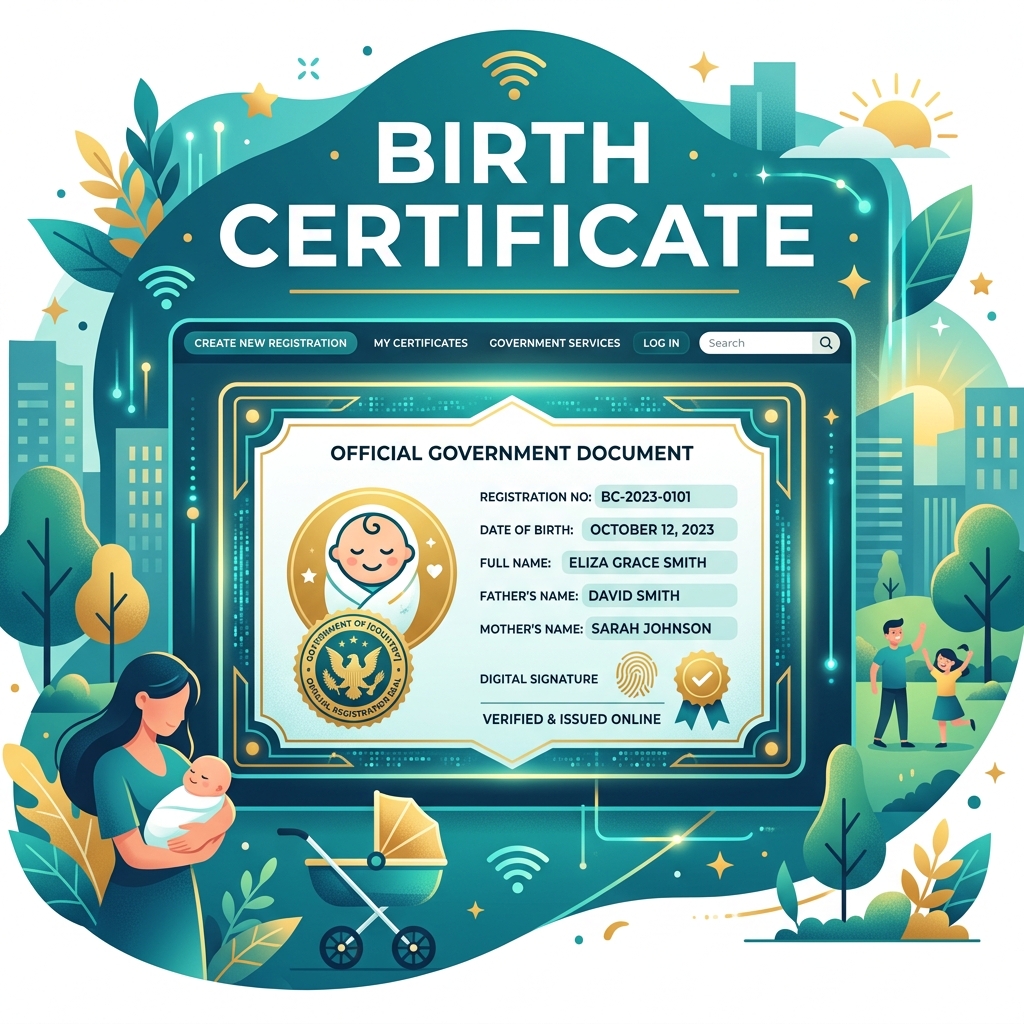
Overview (Iske Baare Mein)
👶 DIGITAL BIRTH REGISTRATION
This is now centralized and mandatory across India via the Civil Registration System (CRS).
📄 WHY IS IT CRITICAL?
Under the new Registration of Births and Deaths (Amendment) Act, a birth certificate serves as the single overarching document for school admissions, issuing a driving license, voter list preparation, marriage registration, and Aadhaar card applications. Without it, securing a digital identity is impossible.
🌐 THE CRS PORTAL REVOLUTION:
Previously, parents had to visit local municipal offices multiple times. Now, the CRS portal (crsorgi.gov.in) allows you to register the birth, upload hospital discharge slips, and download a digitally signed PDF certificate directly from your home.
⏳ THE 21-DAY RULE:
It is incredibly important to register the birth within 21 days of the event. Registration within this window is completely free of charge and requires the least amount of paperwork. Delaying it leads to late fees and complex magistrate approvals!
Who is Eligible? (Kaun Apply Kar Sakta Hai?)
- Registration must ideally be initiated within 21 days of birth.
- For births at home, the head of the family can directly register on the portal.
- For hospital births, the medical institution initiates the primary registration, but parents can download it online.
Documents Required (Zaroori Dastavez)
- Discharge slip / Medical certificate from the hospital
- Aadhaar cards of both the mother and father
- Marriage certificate of the parents (requested in some states)
- Proof of address (if Aadhaar is not available)
Process & Guidelines (Kaise Apply Kare)
Visit the official central CRS portal: crsorgi.gov.in.
Click on 'General Public Signup' on the login screen to create a new user account.
Fill in your basic details to create a User ID and Password.
Log in and navigate to the 'Birth' tab, then click 'Add Birth Registration'.
Carefully fill in the child's details, exact time of birth, and parents' information.
Upload the required documents (hospital discharge slip) and submit the application.
You will receive a reference number. Once approved by the local registrar, you can download the digitally signed PDF.